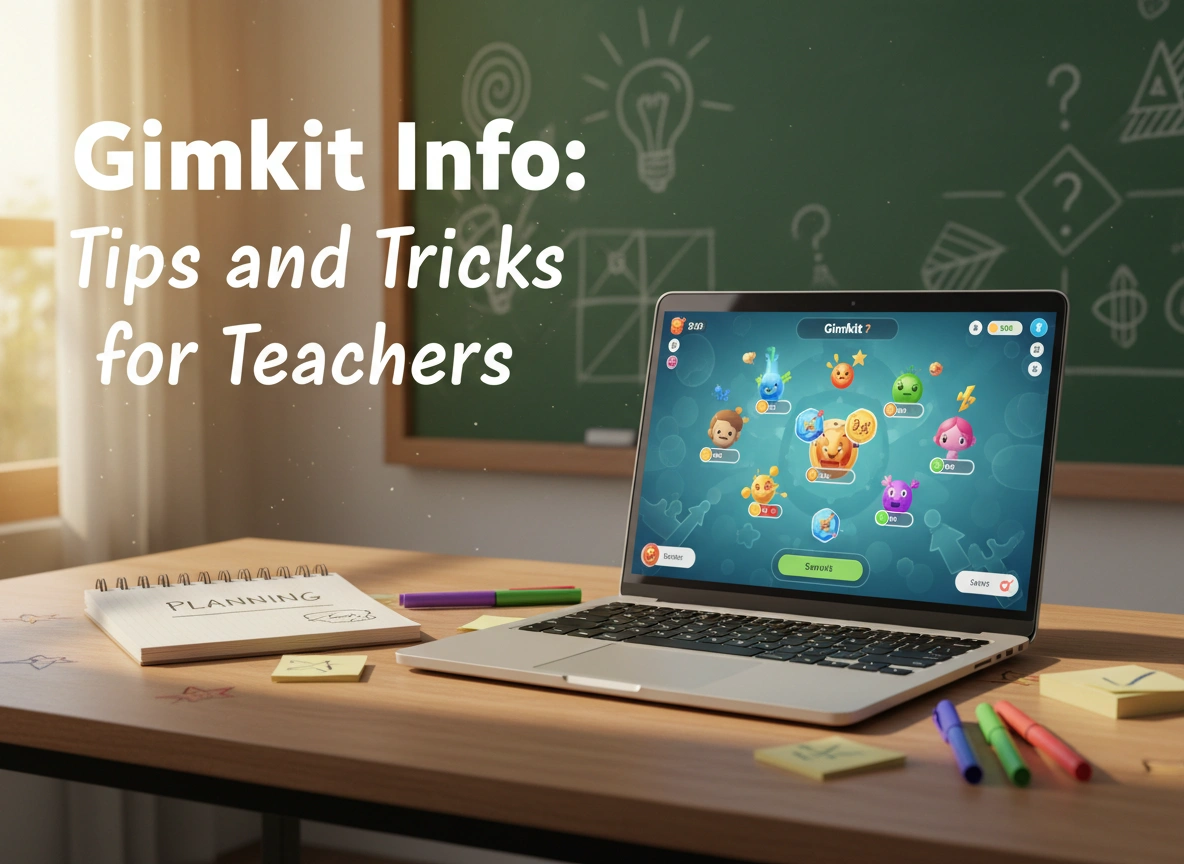
In the evolving landscape of educational technology, gamification has emerged as one of the most powerful tools for student engagement. Among the platforms leading this charge is Gimkit, a live quiz learning game often described as “Kahoot! meets strategy.” Created by a high school student who felt traditional review games were losing their luster, Gimkit introduces elements of economy and strategy that keep students hooked far longer than standard quiz formats.
This article serves as a comprehensive guide for educators, exploring what Gimkit is, how it functions, and providing practical tips and tricks to maximize its potential in your classroom.
Understanding the Core of Gimkit
At its most basic level, Gimkit is an interactive digital quiz game. Teachers create “kits” (sets of questions) or import them from other platforms like Quizlet. Students join the game via a code on their devices and answer questions at their own pace.
However, the twist lies in the mechanics. Instead of earning points for a leaderboard, students earn in-game cash for correct answers. They can then use this currency to purchase upgrades and power-ups. These upgrades might increase the cash earned per question, protect them from penalties, or even negatively impact other players (depending on the game mode). This economic layer adds a strategic depth that requires students to make decisions, not just recall facts.
Key Features That Set Gimkit Apart
- Student-Paced Gameplay: unlike other platforms where the whole class waits for a timer, students answer questions as quickly or slowly as they need, cycling through the deck multiple times.
- The In-Game Shop: This is the hook. Students must decide whether to save their money or invest in upgrades to accelerate their earnings later.
- Diverse Game Modes: From “The Floor is Lava” to “Thanos” and “Trust No One” (an Among Us style mode), the variety keeps the experience fresh.
- KitCollab: A unique feature where students submit their own questions to build the quiz together before playing.
Effective Classroom Implementation
Integrating Gimkit into your lesson plans requires more than just launching a game at the end of class. To use it effectively, consider how the platform aligns with your learning objectives.
1. Formative Assessment
Because Gimkit cycles through questions repeatedly, it is excellent for repetition without monotony. Use it to gauge understanding of new vocabulary, historical dates, or math facts. The repetition ensures that by the end of a ten-minute session, students have encountered the core concepts multiple times.
2. Homework and Independent Practice
Gimkit allows you to assign kits as homework assignments. You can set a deadline and a monetary goal (e.g., “Earn $1,000,000”). This is often more engaging than a traditional worksheet because students can use their upgrades to reach the goal faster, rewarding both knowledge and strategy.
3. Review Before High-Stakes Testing
The high-energy nature of Gimkit makes it perfect for exam review. The “Team Mode” is particularly effective here, fostering collaboration as students work together to pool their cash and reach a collective goal.
Practical Tips and Tricks for Teachers
To truly master Gimkit, you need to move beyond the default settings. Here are professional strategies to elevate your usage.
Strategic Use of Game Modes
Not all modes fit every classroom situation. Choosing the right mode is crucial for maintaining control and focus.
- For pure content review: Stick to Classic or Team Mode. These modes have fewer distractions and focus heavily on answering questions to build cash.
- For community building: Use Trust No One or Draw That. These social deduction and creative modes are excellent for Friday fun days or breaking the ice at the start of a semester. They require communication and soft skills alongside content knowledge.
- For engagement management: If you have a highly competitive class that gets discouraged easily, try cooperative modes like The Floor is Lava, where the class must work together to keep the blocks above the lava. If they fail, everyone loses, which builds solidarity.
Optimizing Question Design
The quality of your game depends on the quality of your questions.
- Keep it brief: Students are racing. Long, paragraph-style questions will slow the game down and frustrate players. Keep stems and options concise.
- Use Images: Visuals aid memory retention. Use the image upload feature for diagrams, maps, or art history recognition.
- Feedback Loops: Gimkit allows you to add an explanation for the correct answer. When a student gets a question wrong, they see the correct answer. Adding a brief “Why?” explanation reinforces the learning moment immediately.
Mastering the Settings
Before you hit “Start Game,” toggle the settings to suit your classroom environment.
- Answer Check: Enable this to force students to view the correct answer for a few seconds before moving on. This prevents “spamming” (blindly clicking answers to get to the next question) and forces a moment of review.
- Music and SFX: While fun, the music can be chaotic. If your classroom is noisy, turn off the in-game music from the teacher dashboard but leave sound effects on so students get auditory feedback on their progress.
- Clap limit: At the end of the game, students can “clap” for the winner. Set a limit or discussion rule to ensure this remains positive and doesn’t devolve into button-mashing chaos.
Analyzing Student Performance
One of Gimkit’s strongest features for professionals is the data report generated after every game. Do not close the tab immediately after the game ends.
- The “Student Overview”: This breaks down individual performance. Look for the difference between simple accuracy and knowledge. A student might have low cash (bad strategy) but high accuracy (good content knowledge). Conversely, a student with high cash might have just been lucky with multipliers. Always look at the accuracy percentage first.
- The “Question Breakdown”: This is your most valuable instructional tool. It shows the percentage of correct answers for each specific question. If you see a question with only 20% accuracy, pause the class. Reteach that concept immediately. The data has just highlighted a gap in understanding.
Advanced Strategies: KitCollab and Assignments
Leveraging KitCollab for Student Agency
One of the most underutilized features is KitCollab. Instead of you writing the questions, the students do it.
- Start a KitCollab.
- Students submit a question and four answers via their device.
- You (the teacher) accept or reject questions in real-time.
- Once the deck is built, you play the game instantly.
Why this works: Writing a question requires a higher level of cognitive processing (Bloom’s Taxonomy) than simply answering one. Students must understand the material well enough to formulate a distractor (wrong answer) that sounds plausible.
Customizing the Economy
Did you know you can customize the starting cash and handicaps?
- Leveling the playing field: If you have students with different ability levels, you can give struggling students a higher starting cash amount. This allows them to buy an upgrade earlier, keeping them competitive and motivated without changing the content difficulty.
- Short games: If you only have 5 minutes, increase the starting cash significantly. This jumps students right into the high-stakes part of the game immediately.
Managing the Classroom Atmosphere
Gimkit generates excitement. Sometimes, too much excitement. Here is how to keep it professional.
- The “Volume Warning”: Establish a rule before starting. “We can play Gimkit as long as the volume stays at a level 2.” If it gets too loud, pause the game (a feature available on the teacher dashboard). The silence usually restores order quickly.
- Discussing Strategy: After the game, ask the winner what their strategy was. Did they save for a streak bonus? Did they buy insurance? This turns the game into a lesson on resource management and critical thinking.
- Dealing with “Power-Ups”: Some power-ups (like freezing another player) can cause conflict. You can disable “Clean Power-Ups only” or “Hurtful Power-Ups” in the settings. If your class struggles with sportsmanship, turn off the aggressive power-ups so students can focus on their own progress rather than sabotaging others.
Conclusion
Gimkit is more than just a flashy quiz tool; it is a dynamic platform that blends assessment with strategy, engagement, and data analysis. By moving beyond the basic features and utilizing advanced settings, game modes, and performance reports, teachers can transform a simple review session into a high-impact learning experience.
Whether you are using it for a quick bell-ringer, a collaborative class project via KitCollab, or a comprehensive test review, the key lies in intentionality. Align the game mode with your goal, review the data to inform your future instruction, and encourage students to see the value in both the content knowledge and the strategic thinking required to win. With these tips and tricks, Gimkit becomes a robust ally in the modern classroom.
